Self-order kiosk or QR ordering: what actually pays back
A self-order kiosk lists at around ฿122,600 a unit in Thailand. QR ordering turns every table into a station for the price of a printed card. Here is the real maths.
A self-order kiosk is worth the money when your bottleneck is a queue at one counter. It is a waste when your bottleneck is anything else. A floor-standing kiosk in Thailand lists at about ฿122,600 plus software, and one unit serves one guest at a time, so a real lunch rush needs two or three. QR ordering turns every table into an ordering station for the price of a printed card, but it will not take cash. Count the orders in your busiest hour first, then decide.

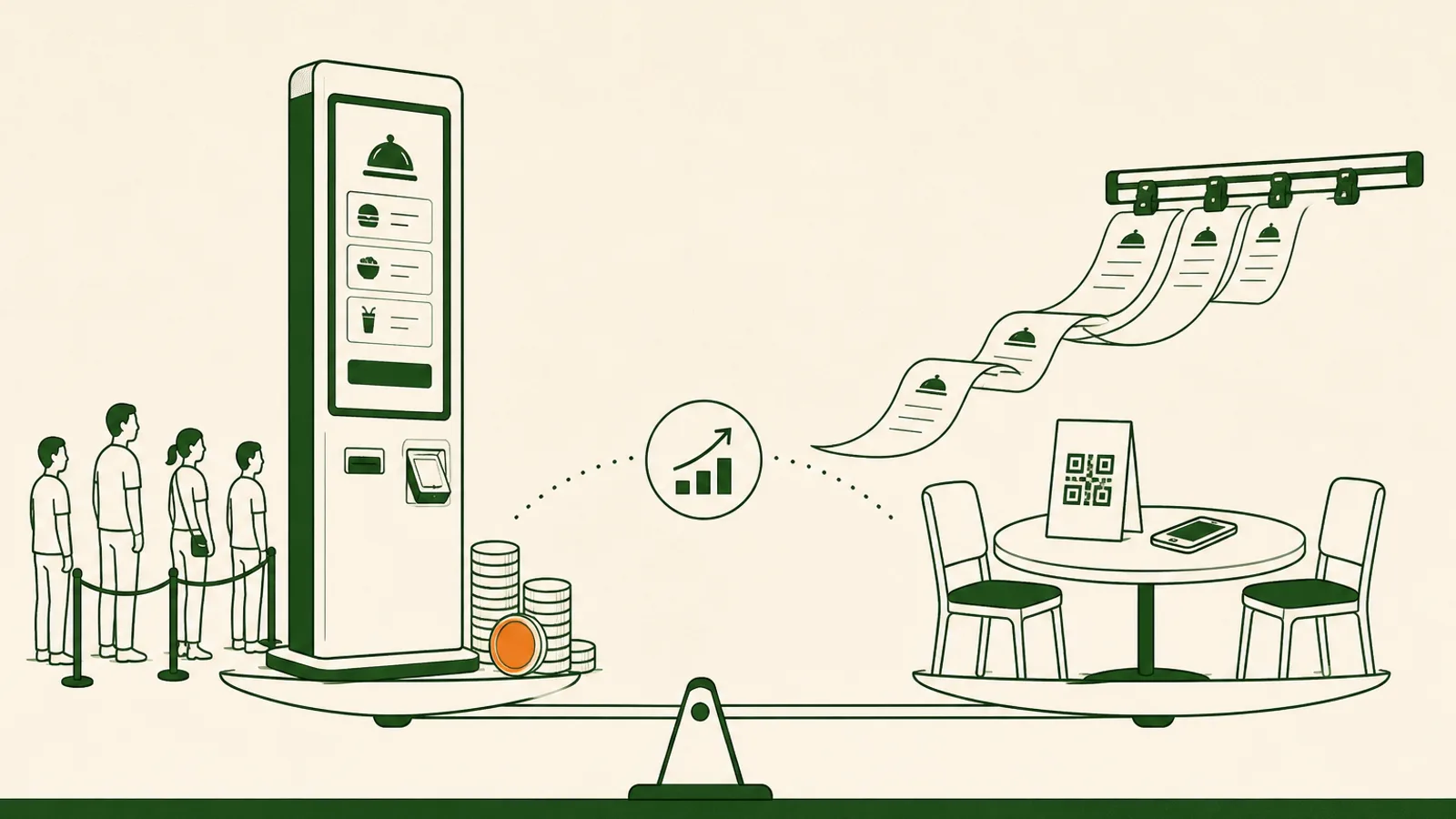
Short answer: a self-order kiosk earns its keep when your bottleneck is a queue at one counter, and it is an expensive ornament when your bottleneck is anything else. In Thailand a floor-standing self order kiosk lists at around ฿122,600 per unit before software, and one unit serves exactly one guest at a time. QR ordering turns every table you own into an ordering station for the price of a laminated card. Both do the same core thing, which is move the order from a server's notebook into the guest's hands. The right choice depends on where people are standing still in your venue.
This guide is the buying decision, not the sales pitch: what a kiosk actually costs here, what the check-size numbers really say, and the one calculation that settles it in about ten minutes.
What a self-order kiosk costs in Thailand, all in
Public pricing is rare, which is a signal in itself. One Thai vendor does publish: Pay It Forward lists a floor-standing ordering kiosk at ฿122,600 for either the cash or cashless model, with the backend software rented at ฿6,000 a year. The unit is 152cm tall and 40cm wide with a 21 to 32 inch touchscreen. Most other vendors here quote on request, and the ones that do tend to land in the same neighbourhood for a full-height unit with a card reader and printer.
Then add the parts nobody puts on the quote:
- Floor space. Forty centimetres of width plus a metre of standing room in front of it, in the part of your venue you could otherwise seat people in.
- Cash handling, if you take the cash model. A float, a daily reconciliation, and someone who knows what to do when a ฿100 note jams.
- Consumables and care. Receipt paper, screen cleaning through a service, the occasional call-out.
- A second unit. More on that below, because it is the part that changes the answer.
Call it ฿130,000 for one unit in year one and ฿250,000 for two. Spread over three years, two units run about ฿7,000 a month. For a venue turning over ฿1.5m a month, that is not the frightening number. The money is almost never what kills a kiosk plan.
The check-size numbers, read honestly
Every kiosk deck opens with the same statistic. It is usually true and usually misread. McDonald's found that guests spent about a dollar more per order at a kiosk, which worked out to roughly a 30% lift in average check size.
Read where that number comes from. Quick service, small baseline checks, a picture menu, and a screen that asks every single guest whether they want a drink and an upsize. When the starting check is small, one added drink moves the percentage a lot. If your average check is ฿280 and your server already suggests the som tam and the second beer, you are not buying a 30% lift. You are buying the difference between a good server on a quiet Tuesday and a screen that never forgets to ask, which is real but modest. Plan on 3 to 8%, measure your own before and after for a month, and be honest enough to accept zero.
What kiosks do reliably fix is less glamorous and more valuable: the queue at the till, tickets that were misheard, and one pair of hands at the peak. Those are worth paying for if you have them.
The real constraint is stations, not baht
Here is the calculation that decides it, and it takes ten minutes.
A kiosk serves one guest at a time. A decisive solo guest takes 45 to 90 seconds. A group of four debating toppings takes three minutes. Call it one order per minute as a generous average.
Now count your own peak. If your lunch rush is 90 minutes and puts through 130 orders, that is about 1.4 orders a minute at the top of the hour, which is two kiosks minimum and three if your groups are large. Suddenly the hardware line is ฿250,000 to ฿370,000, and you have given up the floor space where two tables used to sit.
QR ordering inverts the maths. Every table is already a station, because the screen is in the guest's pocket. Forty tables is forty guests ordering in parallel, and the hardware is a printed card that costs about ฿15 to laminate. Throughput stops being the thing you have to buy.
The honest trade is this: QR needs guests with a working phone and enough data to load a page, and it will not accept a ฿1,000 note. A kiosk needs floor space and a queue to justify itself. Neither of those is a small detail, and which one bites depends entirely on your room.
Where a kiosk is genuinely the right call
There are venues where a kiosk is the correct purchase and QR is not. Being straight about that is more useful than pretending otherwise:
- Counter-service and food courts. Guests order standing up, before they sit, and the queue is the whole problem. A kiosk removes the cashier from the critical path.
- Cash-heavy rooms. If a third of your guests pay in notes, a kiosk with a note recycler takes their money and a phone flow does not.
- Venues where guests arrive without a usable phone. Staff canteens, hospital cafeterias, some older demographics and some tourist sites. If scanning a code is a conversation every time, the code is not helping.
- High-volume single-item concepts. A drinks or ramen counter where the menu fits on one screen and the goal is throughput per square metre.
Straight disclosure since this is our blog: Papaya does not sell kiosk hardware or kiosk software. If the list above describes your venue, buy the kiosk from a kiosk vendor. The only thing to insist on is that its orders land in your POS and your kitchen queue rather than in a second system you reconcile by hand at close.
Where QR ordering does the same job for a fraction of the money
If your guests sit down, the picture changes. Papaya Order is QR and web ordering with no app for the guest: they scan the card on the table, the menu opens in the browser, and the order goes to the kitchen with the modifiers they picked themselves. The practical differences from a kiosk:
- Cost. Printed table cards, no power point, no floor space, no cash float, no second unit for the rush.
- The menu changes instantly. Sell out of the sea bass at 19:00 and it disappears from every table at once, instead of on a screen someone has to walk over to.
- Language is the guest's problem, solved. The page follows the phone, so a Thai, English or Chinese menu happens without you printing three versions.
- Payment stays flexible. Take PromptPay, TrueMoney, LINE Pay or a card at the table through Papaya Pay, or let the guest settle at the till on the way out. Cash still works, it just goes through a person.
- One queue, not two. Dine-in, takeaway and delivery orders land in the same kitchen flow, which is the multi-channel setup most venues stitch together badly.
The boundary is worth stating plainly: a single-till counter shop with a three-metre queue and no tables gets much less from QR than from a faster till or a kiosk. If you want the full mechanics of running QR on a busy floor, the no-app QR ordering playbook covers the setup in detail.
Decide it this week, in six steps
- Count orders in your busiest sixty minutes. Use last Saturday, not an average day.
- Time three orders end to end at the till. Greeting to payment. Take the slowest of the three.
- Divide. Peak orders per minute, divided by your realistic one order per minute per station, is the number of kiosks you would need. Two or more changes the budget conversation.
- Check your cash share. Over about 30% of guests paying cash and a phone-only flow will cost you sales at the counter.
- Ask whether guests sit. Seated guests point at QR. Queueing guests point at a kiosk.
- Set the bar before the demo. Whatever you buy has to remove one labour hour a shift or add a few baht a cover. Write the number down first, then hold the vendor and yourself to it.
Most Thai restaurants that run this exercise find the same thing: their guests are sitting down, their queue is at the kitchen rather than the counter, and the ฿250,000 was going to buy them a slower version of what a ฿15 card already does. A minority find the opposite, clearly, and should go buy a kiosk. Either way you will know which one you are in an afternoon, and you can see what the software side of it costs on our pricing page before you talk to anyone.
Frequently asked questions
How much does a self-order kiosk cost in Thailand?
One published Thai listing prices a floor-standing cash-and-cashless ordering kiosk at ฿122,600 per unit, plus ฿6,000 a year for the software. Most other vendors quote on request. Budget for the things that are not on the quote too: a power point, floor space, a cash float and change reconciliation, receipt paper, and a second unit once the queue is real.
Do self-order kiosks really increase the average check?
In quick-service chains, yes. McDonald's found guests spent about a dollar more per order at a kiosk, roughly a 30% lift in check size. Read that as a ceiling from a business with small checks, picture menus and automatic upsell prompts, not a promise for a 60-seat restaurant where a server is already suggesting the extra dish. Assume 3 to 8% and measure your own before and after.
Can QR ordering replace a kiosk?
For anywhere guests sit down, usually yes: every table becomes an ordering station instead of a queue at one screen. For a counter-service venue where a third of guests pay cash and many arrive without data on their phone, no. A kiosk with a note recycler takes cash. A phone cannot.
Do guests have to download an app to order by QR?
No. A proper QR ordering system opens as a web page in the phone's browser, so the guest scans, browses and orders with nothing to install. That is how Papaya Order works, and it is the main reason scan-to-order rates hold up on a busy floor.
Can I run a kiosk and QR ordering at the same time?
Yes, and food courts often do. The thing to insist on is that both feed the same menu and the same kitchen queue, so you are not reconciling two systems at close. If the kiosk cannot send orders into your POS, you have bought a second till, not a self-ordering system.
Count stations, then spend
The kiosk-versus-QR argument is usually framed as new hardware against no hardware, and that framing hides the real question. Both put the order in the guest's hands. What differs is how many guests can be ordering at once, and whether the guest is standing in a queue or sitting at a table. A kiosk is one station you can point at. QR is as many stations as you have tables. So do the boring measurement before you take a demo. Count the orders in your busiest sixty minutes, time three of them at the till, and see how many stations that maths demands. If the answer is two or three kiosks, price the floor space you lose alongside the hardware. If the answer is that your guests are all sitting down anyway, the printed card on the table is doing the same job for the cost of lamination.
Break-even calculator
Find the covers per day you need to break even.
More on Online & multi-channel ordering
Run dine-in, QR, takeaway and delivery from one menu and one kitchen queue.