Cloud POS vs on-premise: the five differences that matter
A cloud POS keeps your data in a data centre; an on-premise POS keeps it on a box in your back office. The five differences that decide which one a Thai restaurant regrets.
A cloud POS runs the till as a client and keeps the real record in a data centre, so you can see today's sales from anywhere and updates arrive on their own. An on-premise POS keeps the record on a server in your back office, so the floor keeps talking to it even when your ISP is down, and you own the box. For most restaurants in Thailand the cloud is now the better default, because mobile broadband reaches almost everywhere and multi-outlet visibility is worth more than an outage you can survive. On-premise still wins in hotel F&B tied to a property system, and anywhere the connection is genuinely unreliable. Pick the failure mode you can live with, then budget for it.

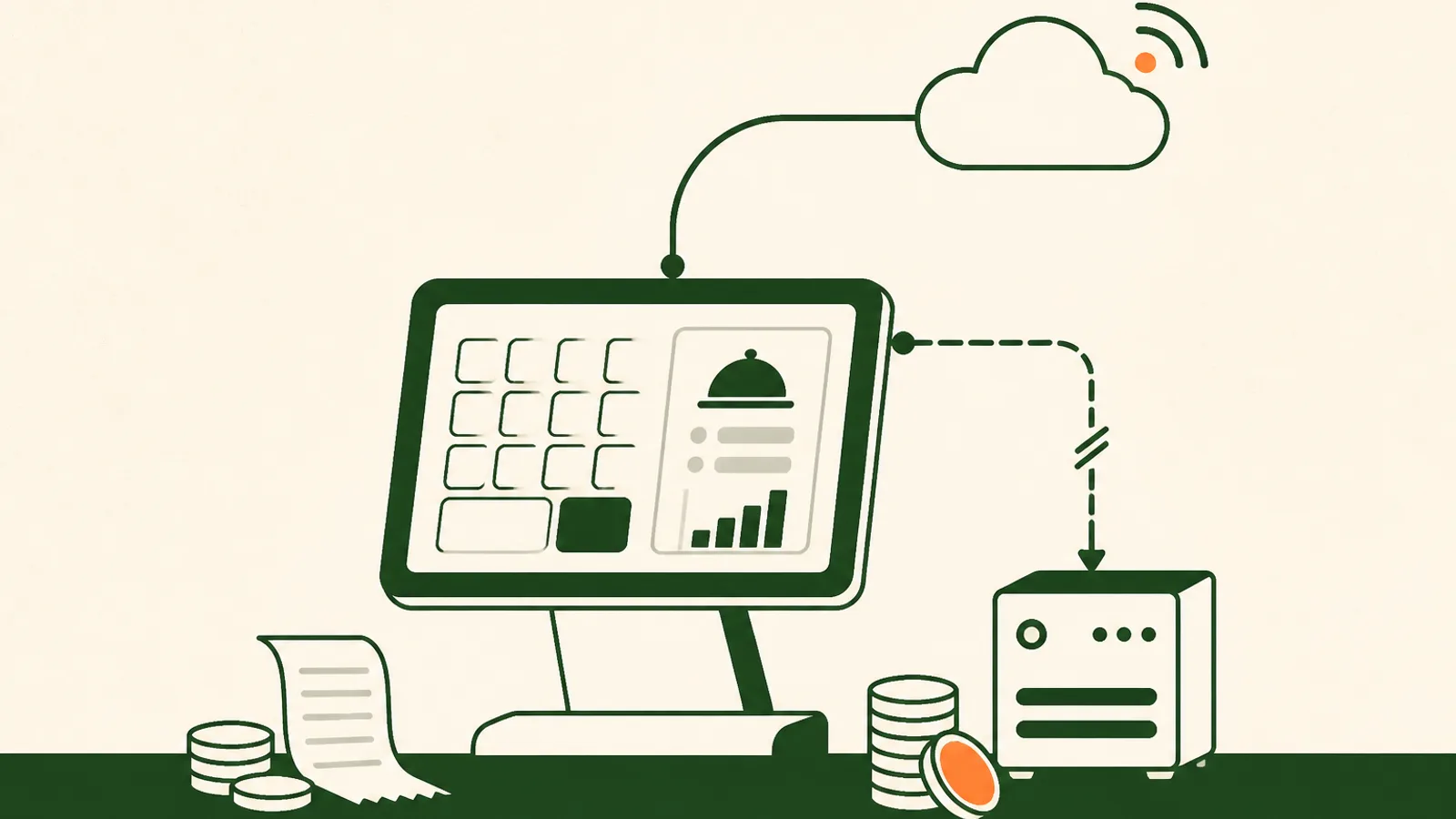
A cloud POS keeps the real record of your business, the menu, the orders, the payments and the reports, on servers you do not own, and turns the terminal on your counter into a client. An on-premise POS keeps that record on a machine in your back office and lets the terminals talk to it over your own network. Both are still sold in Thailand in 2026, both work, and the sales deck for each one is built to make the other sound reckless. This guide strips it down to the five differences that actually change your week: what happens when the internet drops, what it costs over three years, who can see the numbers, who owns the updates, and how hard it is to leave.
The connectivity argument has moved. Thailand ended 2025 with 94.7 percent internet penetration and 96.6 million cellular connections, and GSMA Intelligence counts essentially all of them as broadband, meaning 3G, 4G or 5G. A backup path to the internet is now a cheap piece of hardware rather than a project. That does not make the objection to cloud POS invalid, it makes it budgetable.
What a cloud POS system actually is
Strip the branding and the difference is where the database lives.
On a cloud POS, the terminal holds a cached copy of the menu and sends every sale to a data centre, which is also what your phone reads when you check the day's takings from home. On an on-premise system, a back-office PC or server in the venue holds the database, the terminals reach it over the local network, and any remote access is bolted on afterwards through a VPN or an extra reporting module.
Give on-premise its due, because it earns it in specific rooms. A local network does not care about your ISP. Hotel food and beverage in particular still runs on on-premise stacks like Infrasys and Oracle Micros for solid reasons: deep integration with the property management system for room charges, a box the group controls, and an IT team already on site who maintain it. If that is your situation, the rest of this guide is a comparison you can win either way, and switching for its own sake is not a project worth having.
Difference one: what happens when the internet drops
Every vendor answers yes to "does it work offline," so the useful question is which specific actions still complete. The list to walk through, out loud, with a stopwatch:
- Ring an order at the table.
- Fire it to the kitchen and get paper or a ticket on the screen.
- Take cash and open the drawer.
- Take a card.
- Close the bill and print a receipt.
- See the sale in today's report once the line comes back.
Card authorisation is the one item that is never truly offline, on any model, because it needs the bank. Everything above it is a design decision the vendor made, and the answers differ far more between two cloud products than they do between cloud and on-premise as categories.
We will be straight about our own side of this. Papaya is cloud-first. The order, the kitchen routing and the printing all travel over your connection, so we treat the venue's internet as part of the system rather than a detail you sort out later. If you run us, a dual-WAN router with a SIM slot is not optional equipment, it is part of the build, and it costs roughly what one busy Friday service is worth. Given that mobile broadband now reaches almost every address in the country, that second path genuinely works.
On-premise is not immune, it just fails somewhere else. The single point of failure moves from the line outside to the PC in the back office, and when that dies mid-service nobody in the building can ring a sale. Ask the on-premise vendor the same question in reverse: what happens on a Saturday at 8pm when the server will not boot, who do I call, and how long until I am selling again.
Difference two: what it costs over three years
The two price tags are not comparable as quoted, because one is an upfront number and the other is a monthly one. Put both on the same three-year line.
An on-premise quote typically contains a licence per terminal, the back-office server hardware, installation and training, an annual support and maintenance contract, and, at some point, a version upgrade that is closer to a repurchase than a patch. The phrase "one-time fee" rarely survives contact with year three.
A cloud quote is a subscription per outlet, and the honest comparison uses real published numbers. Papaya is priced per outlet, not per feature: POS plans are ฿1,490 for Starter, ฿2,490 for Pro and ฿5,000 for Pro Copilot per month, and POS with Inventory is ฿1,490, ฿3,990 and ฿8,000. There is a 30-day free trial and no setup fee, and in Thailand the Starter and Pro plans include an EDC terminal and a printer.
So Pro at ฿2,490 a month is ฿89,640 over three years, hardware included. That is the bar. An on-premise system beats it only if the licence, the server, three years of support, the upgrade and any hardware replacement together come in under ฿89,640, which does happen for a small single-terminal site and gets unlikely fast once there are three terminals and a KDS. Run your own version of the sum with the break-even calculator and your own quote rather than trusting either sales deck.
Difference three: who can see the numbers, and from where
This is where cloud stops being a technical preference and starts being an operating one.
With a cloud POS you can open today's sales by hour, by item and by staff member from your phone at another outlet, and central menus with per-outlet prices mean a price change is made once. With on-premise, reporting lives where the server lives, and multi-outlet roll-ups are usually a separate product with its own sync job that someone has to check.
If you run one site and you are in it every day, this difference is worth less than the sales deck says. If you run two, it is most of the reason to choose cloud. Our restaurant management system guide covers the order to switch the rest of the stack on once the till is settled.
Difference four: updates, and whose job they are
On cloud, updates arrive centrally. You get fixes without scheduling anything, and you also cannot refuse a change, which is a real cost: a screen your staff know by muscle memory can move during a service. Ask any cloud vendor how they ship changes, whether there is a release note you can read on Monday, and whether anything ever lands on a Friday night.
On-premise, you control the version, which sounds better until you are the one responsible for patching a Windows box that handles card data and is three versions behind. A system frozen at a safe old version is not safe, it is just frozen. Someone has to own that, and in most restaurants nobody does.
Difference five: how hard it is to leave
Lock-in is the difference people discover last and pay for most.
Ask both kinds of vendor the same three questions. Can I export my items, my sales history and my guest records myself, today, without a support ticket? What format is it in, and can I open it in a spreadsheet? Is there an API, and does it cost extra?
On-premise feels safer here and often is not. The data is physically on your server, in a database format you may need the vendor's own tools to read. Papaya answers this with exports plus an open API, and the point is not that we are unusually generous, it is that you should make every vendor answer it in writing before you sign, because the answer is worth more than three feature comparisons.
When on-premise is still the right call
We would rather say this than pretend the category is dead.
Hotel food and beverage tied to a property system. Room charges posting to the folio, a group standard, and an IT team who already run the stack. Changing that is a property decision, not a POS decision.
A venue where the connection is genuinely bad. An island resort on a shared satellite link, a basement bar with no signal, a market stall with no fixed line. Check the actual site before you assume mobile covers it.
A site that already has IT staff and a server room. If the marginal cost of one more on-premise system is near zero for you, the maths changes.
Everywhere else, and especially for operators adding QR ordering, delivery channels, ingredient-level stock control or a second outlet, cloud is the better default, as long as you treat the connection as part of the system and pay for a second path to it.
The week-one test, either way
Do these on your own menu, in a trial, not in a demo.
- Unplug the router for ten minutes during a mock service and write down exactly what stopped and what kept going.
- Ask, in writing, what happens when the server dies or the vendor has an outage, including the phone number you call at 8pm on a Saturday and the answer time attached to it.
- Get the three-year total in one line: subscription or licence, support, upgrade, hardware replacement.
- Export your own data on day three of the trial, and open the file.
- Ring your five best sellers with real modifiers, split one bill three ways across PromptPay and card, and check the kitchen ticket came out right.
Five clean answers and the model you chose will hold. Two workarounds and you have just designed your staff's evening routine for the next three years.
Frequently asked questions
What is a cloud POS system?
A cloud POS is a point of sale where the menu, the orders, the payments and the reports live on the vendor's servers, and the terminal on your counter is a client that talks to them over the internet. The device can be an iPad, an Android tablet or a browser on a laptop. You pay per outlet per month rather than buying a licence, updates arrive centrally, and you can open the same numbers from home or from a second outlet.
Does a cloud POS work without internet?
It depends entirely on the vendor, and the honest question is not whether it works but what stops. Ask exactly which actions still complete with the router unplugged: ringing an order, firing it to the kitchen, printing a ticket, taking cash, taking a card. Card authorisation needs the bank regardless of where your POS lives, so that one is never offline. Test it yourself during a trial rather than accepting a yes.
Is a cloud POS cheaper than an on-premise POS?
Usually, but do the sum over three years rather than on day one. Papaya Pro is ฿2,490 per outlet per month, which is ฿89,640 over three years, with no setup fee and an EDC terminal and printer included in Thailand. An on-premise quote beats that only if the licence, the back-office server, the annual support contract, the version upgrade and the eventual hardware replacement all come in under that number, which is unusual once you are past two terminals.
Who owns the data in a cloud POS?
You should, and the way to check is not the contract page, it is the export button. Before you sign, ask whether you can export items, sales history and guest records yourself, in a readable format, without a support ticket and without a fee. On-premise is not automatically safer here: the data sits on your server but often in a proprietary database you cannot read without the vendor's tools.
Which is better for a restaurant in Thailand?
For a single-site restaurant with normal fibre and a mobile backup, and for almost any operator running two or more outlets, cloud is the better default. On-premise still earns its place in hotel food and beverage tied to a property management system, in venues with genuinely poor connectivity, and where IT staff and a server room already exist. If you are choosing cloud, treat the venue's internet as part of the system and pay for a second path to it.
Buy the failure mode you can live with
Both models break. An on-premise POS breaks when the back-office PC dies on a Saturday night and nobody can ring a sale until someone drives over with a backup. A cloud POS breaks when the line to the building goes down and your terminals lose the room. The difference is that one of those has a fix you can buy off a shelf and install this week, and the other is a weekend of restoring from a backup and hoping it was recent. So stop asking which model is safer in the abstract. Ask what each one does on your worst night, how fast you can get back to selling, and what the three-year number really is once support and upgrades are in it. Then buy the failure you are prepared for, and actually prepare for it. The restaurants that get burned are not the ones that chose the other model, they are the ones that never ran the test.
Break-even calculator
Find the covers per day you need to break even.
More on Choosing a POS
Buy the right restaurant POS — the questions, trade-offs and fees that actually matter.