วิธีเลือกระบบ POS ร้านอาหาร ปี 2026 — คำถามที่ต้องถามก่อนเซ็นสัญญา
เช็กลิสต์สำหรับเลือกระบบ POS ร้านอาหารแบบไม่ต้องมานั่งเสียใจทีหลัง — ดูตั้งแต่ตอนเน็ตหลุด ค่าใช้จ่ายจริงต่อเดือน การย้ายออก และคำว่า "ครบวงจร" ต้องรวมอะไรบ้าง
ระบบ POS ที่ใช่คือระบบที่รอดจากช่วงพีคจริง ๆ ได้ ดังนั้นให้ตัดสินจากเรื่องน่าเบื่อ พวกนี้: เน็ตหลุดแล้วยังรับออร์เดอร์ได้ไหม ค่าใช้จ่ายจริงต่อเดือนรวมทุกอย่างเท่าไร (ไม่ใช่แค่ราคาป้าย) ดึงข้อมูลออกไปแล้วย้ายเจ้าได้หรือเปล่า และคำว่า "ครบวงจร" รวมทั้งการสั่ง การรับเงิน และสต๊อกจริงไหม ทดลองบนเมนูจริงในช่วงเปิดร้านจริงก่อนเซ็น

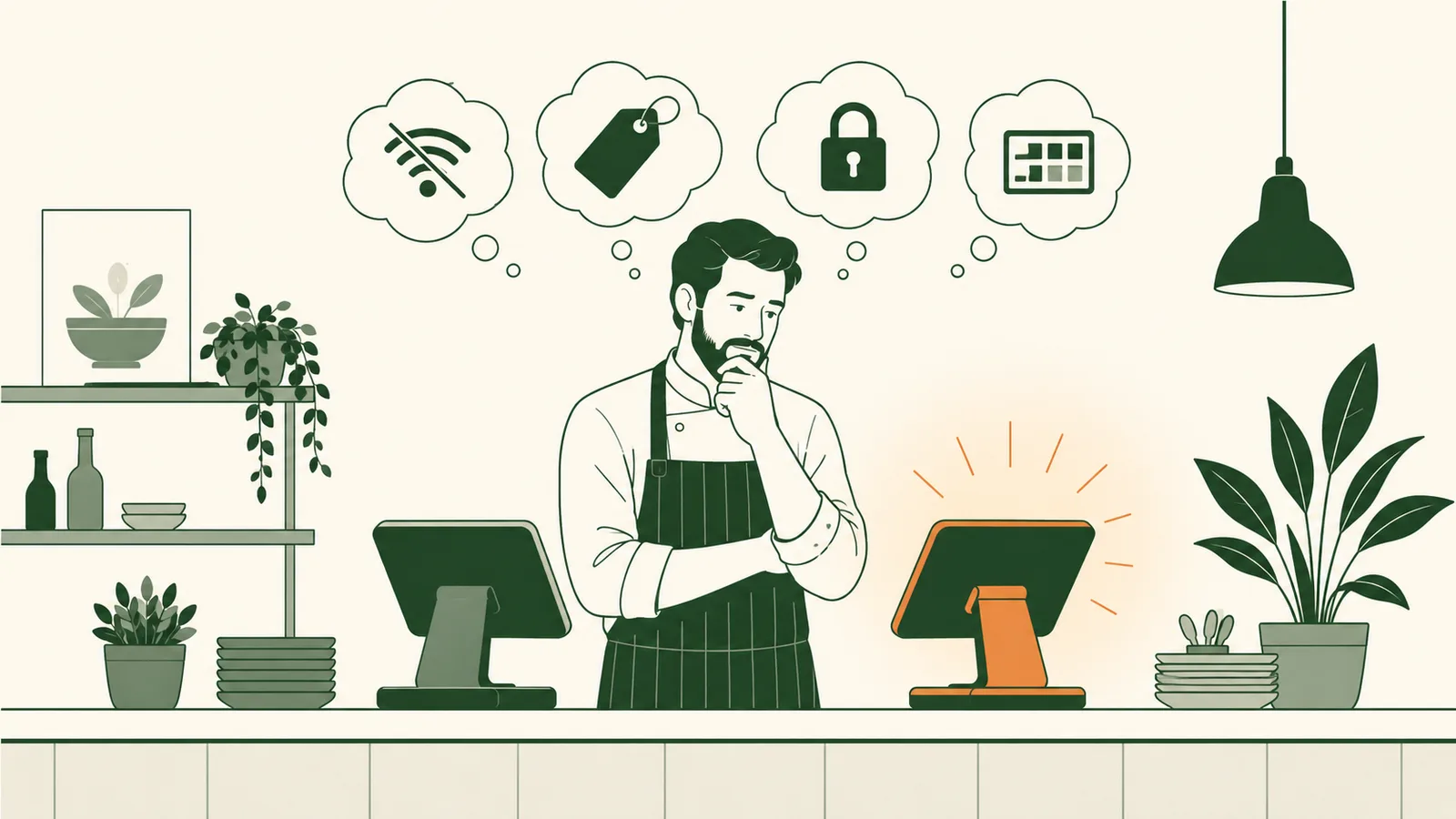
พูดสั้น ๆ ระบบ POS ส่วนใหญ่เวลาเดโมดูเหมือนกันหมด อย่าตัดสินใจซื้อจากตอนเดโม ให้ซื้อจากสี่เรื่องที่จะบอกว่าอีกหกเดือนคุณจะเสียใจหรือไม่ — มันทำงานยังไงตอนเน็ตหลุด ค่าใช้จ่ายจริง ๆ รวมกันเท่าไร ย้ายออกยากแค่ไหน และมันครอบคลุมงานร้านมากพอที่คุณไม่ต้องเอาสามระบบมาต่อกันเองหรือเปล่า ที่เหลือเป็นแค่รายการฟีเจอร์
ระบบ POS คือซอฟต์แวร์ตัวเดียวที่ทั้งหน้าร้านต้องพึ่งทุกนาทีที่คุณเปิด เลือกผิดคุณจะรู้สึกได้ทุกกะ: เครื่องค้างตอนศุกร์คนแน่น ยอดโอนที่กระทบยอดไม่ลง รายงานที่ดึงออกจากเจ้าของระบบไม่ได้ เลือกถูกมันจะหายไปอยู่เบื้องหลัง นี่คือเช็กลิสต์ที่เราพาเจ้าของร้านไล่ดูก่อนเซ็นอะไรทั้งนั้น
มันทำงานตอนออฟไลน์ได้จริงไหม?
ถามเจ้าไหนว่า "ออฟไลน์ใช้ได้ไหม" เขาก็ตอบว่าได้ทั้งนั้น คำถามจริงคือ อะไรบ้างที่ใช้ได้ ตอนออฟไลน์ ระหว่าง POS ที่ยังรับออร์เดอร์ได้ตอนเน็ตล่ม กับตัวที่แค่โชว์เมนูที่แคชไว้แต่ส่งเข้าครัวไม่ได้ นั้นต่างกันมาก
สิ่งที่ต้องทดสอบก่อนเซ็น
- ลองรับออร์เดอร์ตอนออฟไลน์ ดึงเน็ตของร้านออก แล้วดูว่ายังเปิดโต๊ะ ส่งเข้าครัว และพิมพ์บิลได้ไหม
- ดูตอนกู้คืน พอเน็ตกลับมา ออร์เดอร์และงานพิมพ์ที่ค้างอยู่รีเพลย์เองอัตโนมัติ หรือต้องมานั่งคีย์ใหม่มือ
- เช็กการรับชำระ ยังรับเงินสดและบันทึกบัตรไว้ตัดทีหลังได้ไหม หรือทั้งเครื่องล็อกไปเลย
ถ้าเดโมยังไม่รอดโหมดเครื่องบินสามสิบวินาที มื้อค่ำของคุณก็ไม่รอดเหมือนกัน
ค่าใช้จ่ายจริง ๆ รวมกันเท่าไร?
ราคาต่อเดือนที่โชว์แทบไม่เคยเป็นเรื่องทั้งหมด ก่อนเทียบสองระบบ ให้สร้างตัวเลขจริงของแต่ละเจ้าขึ้นมา:
- ค่าซอฟต์แวร์ต่อสาขา
- ค่าธรรมเนียมรับชำระ — ทั้งเปอร์เซ็นต์ และ ค่าต่อรายการ ซึ่งสำคัญมากกับบิลเล็ก
- ค่าฮาร์ดแวร์ ไม่ว่าจะซื้อขาดหรือผ่อน
- ของเสริมที่กลายเป็นของบังคับ: ระบบสั่งออนไลน์ เครื่องที่สอง จอครัว (KDS) สต๊อก
แพ็กเกจที่ดูถูกกว่าเดือนละ ฿500 อาจแพงกว่าเมื่อโดนเรตค่าธรรมเนียมที่แย่กว่าคูณเข้าไปทุกบิล เอาทั้งสองเจ้ามาใส่ตารางเดียวกันด้วยยอดขายจริงต่อเดือนและยอดบิลเฉลี่ยของคุณ ผู้ชนะมักไม่ใช่เจ้าที่ราคาป้ายถูกกว่า
ย้ายออกยากแค่ไหน?
ไม่มีใครเซ็น POS โดยวางแผนจะย้าย แต่ความง่ายในการย้ายออกบอกได้ว่าเจ้าของระบบมั่นใจแค่ไหน สองคำถามตัดจบ: คุณดึงข้อมูลของตัวเอง — ประวัติการขาย เมนู ลูกค้า — ออกมาในรูปแบบที่ใช้งานได้เมื่อไรก็ได้ไหม และฮาร์ดแวร์ล็อกอยู่กับแพลตฟอร์มเขา หรือเอาไปใช้ต่อกับเจ้าอื่นได้
เจ้าที่ทำให้คุณเอาข้อมูลติดตัวไปได้ง่าย คือเจ้าที่ตั้งใจรักษาคุณไว้ด้วยการทำให้ดี ไม่ใช่ด้วยการมัดคุณไว้
"ครบวงจร" ครบจริงหรือเปล่า?
"ครบวงจร" เป็นคำที่ใช้เกลื่อนที่สุดในหมวดนี้ ต้องปักหมุดให้ชัด สำหรับร้านฟูลเซอร์วิสส่วนใหญ่ ระบบที่ครบจริงต้องครอบคลุม: การสั่งทั้งทานที่ร้าน สั่งกลับบ้าน และเดลิเวอรี การรับชำระที่กระทบยอดกับออร์เดอร์ ระบบสต๊อกวัตถุดิบและต้นทุนอาหาร ที่ตัดสต๊อกทุกการขาย และรายงานที่เอาไปใช้ตัดสินใจได้จริง ถ้าสามในสี่อย่างนี้อยู่คนละแอปที่คุณต้องจ่ายและกระทบยอดเอง คุณไม่ได้มีระบบเดียว — คุณมีสี่ระบบ และช่องว่างระหว่างมันคือที่ที่เวลาและเงินรั่วไหล
จุดประสงค์ของการซื้อแพลตฟอร์มเดียวคือ การขายหนึ่งครั้งอัปเดตหน้าร้าน สต๊อก และตัวเลขในจังหวะเดียวกัน ถ้าสินค้าพวกนี้ยังไม่คุยกันเองตั้งแต่แกะกล่อง งานเชื่อมต่อ — และคำตำหนิเวลาอะไรไม่ซิงก์ — จะตกมาอยู่ที่คุณ
จับเครื่องมือให้เข้ากับวิธีที่คุณทำร้านจริง
สุดท้าย ให้ถ่วงน้ำหนักเช็กลิสต์ตามการทำงานของร้านคุณเอง คาเฟ่ที่ลูกค้าเยอะอยู่รอดด้วยความเร็วที่เคาน์เตอร์และการสั่งผ่าน QR ที่ช่วยลดคิว ร้านฟูลเซอร์วิสสนใจการจัดคอร์ส การจัดการโต๊ะ และการแยกบิล ส่วนบาร์ต้องการเปิดบิลที่เร็วและไม่ทำรอบหาย POS ที่เก่งเรื่องหนึ่งอาจกลาง ๆ กับอีกเรื่อง ดังนั้นทดสอบกับกะที่วุ่นและยุ่งที่สุดของคุณ ไม่ใช่ขั้นตอนเดโมเรียบ ๆ ที่เซลส์เป็นคนกด
ซื้อจากพฤติกรรมตอนออฟไลน์ ค่าใช้จ่ายจริง ความง่ายในการย้ายออก และความครอบคลุมที่แท้จริง ทดสอบกับกะที่แย่ที่สุด ไม่ใช่กะที่ดีที่สุด ทำแบบนั้นแล้ว POS จะกลายเป็นสิ่งที่มันควรเป็น: มองไม่เห็น เชื่อถือได้ และทำงานเงียบ ๆ ในขณะที่คุณดูแลร้าน
คำถามที่พบบ่อย
ระบบ POS ร้านอาหารควรมีราคาเท่าไร?
อย่าดูแค่ราคาต่อเครื่องที่โชว์หน้าเว็บ ให้บวกค่าธรรมเนียมรับชำระ ค่าเชื่อมต่อแต่ละ ระบบ ค่าฮาร์ดแวร์ ค่าซัพพอร์ต และค่าติดตั้ง แล้วเทียบต้นทุนจริงรวมต่อสาขาต่อเดือน ราคาป้ายถูกแต่ชาร์จค่าธรรมเนียมสูงหรือมีของเสริมที่ต้องจ่ายเพิ่ม มักแพงกว่าแพ็กเกจ ที่รวมมาให้แล้ว
ระบบยังทำงานได้ไหมถ้าอินเทอร์เน็ตหลุด?
ควรได้ ถามให้ชัดว่าตอนออฟไลน์เกิดอะไรขึ้น: พนักงานยังรับออร์เดอร์และพิมพ์บิลได้ไหม และทุกอย่างซิงก์กลับอัตโนมัติเมื่อเน็ตกลับมาหรือเปล่า ถ้าระบบหยุดทำงานทันทีที่เน็ต หลุด นั่นคือจุดตัดสำหรับร้านที่ลูกค้าเยอะ
คำว่า "ครบวงจร" ต้องรวมอะไรบ้างจริง ๆ?
อย่างน้อยต้องมี: การรับออร์เดอร์ทั้งทานที่ร้าน สั่งกลับบ้าน และเดลิเวอรี การรับชำระ เงิน และระบบสต๊อกวัตถุดิบพร้อมรายงานต้นทุนอาหาร ถ้าอันใดอันหนึ่งเป็นสินค้าแยกที่ต้อง จ่ายเพิ่มหรือเป็นการเชื่อมต่อที่เปราะบาง ก็ยังไม่เรียกว่าครบวงจรจริง
การย้ายระบบควรใช้เวลานานแค่ไหน?
ร้านสาขาเดียวส่วนใหญ่ใช้งานได้ภายในไม่กี่วัน: นำเข้าเมนู จับคู่เครื่องพิมพ์กับสเตชัน ตั้งสิทธิ์พนักงาน และเทรนช่วงร้านว่าง ร้านหลายสาขาทยอยเปิดเป็นรอบ ระวังระบบที่ต้องใช้ บริการติดตั้งเป็นสัปดาห์ ๆ แค่จะเริ่มเปิดร้าน
เลือกให้รอดช่วงพีค
ระบบที่เดโมสวยในห้องเงียบ ๆ กับระบบที่รอดคืนวันศุกร์ที่คนแน่นร้าน ไม่ใช่ตัวเดียวกันเสมอไป ให้ตัดสินจากเรื่องน่าเบื่อ — พฤติกรรมตอนออฟไลน์ ค่าใช้จ่ายจริงรวมต่อเดือน ดึงข้อมูลออกไป ย้ายเจ้าได้ไหม และการสั่ง การรับเงิน กับสต๊อกเป็นระบบเดียวกันจริงหรือเปล่า เพราะนั่นคือสิ่ง ที่คุณต้องอยู่กับมันหลังเซลส์กลับไปแล้ว
ก่อนเซ็น ให้ลองเดโมบนเมนูของคุณเองในช่วงเปิดร้านจริง คำถามในคู่มือนี้คือสิ่งที่แยกระบบที่คุณ แค่ทน ออกจากระบบที่คุณอยากแนะนำต่อให้เพื่อนร่วมวงการ
อ่านเพิ่มเรื่อง การเลือก POS
เลือกระบบ POS ร้านอาหารที่ใช่ — คำถาม ข้อแลกเปลี่ยน และค่าธรรมเนียมที่สำคัญจริง